 ClipReel
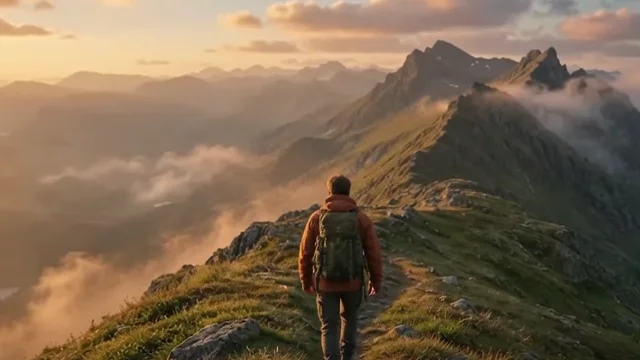
Pick one shot that already looks close to the scene you want. Use it as the reference when you review the shots around it. Pay attention to skin, daylight, and objects that appear across the cuts.
Choose one reference frame
Scrub to a frame with good light on the main subject. If there is a neutral wall or a white shirt in the shot, note whether it looks warm, cool, or neutral. Then find the same subject or object in the other angles.
Play the cut where the two shots meet. A jump in color is easier to see at speed than when looking at the clips separately. Keep a note of the shot names and the most noticeable differences.
Start with a restrained change
Ask for a grade on the specific shot that needs it. Pick a direction and a small strength, then preview it. Warm can make late light feel closer to the previous shot. Cool can bring down an orange cast. Review the result on several frames before committing.
Name the shot and give a range when a color change should affect only part of the sequence. An exact range is especially useful for a flashback or a transition into night.
“Give Alpine aerial a warm grade at 25% and leave the opening shot as it is.”
Try in editing chatMatch across the cut
Alternate between the reference shot and the adjusted shot. Look at the faces or recurring objects first. Keep adjusting the grade until the jump feels intentional. A scene can keep some natural differences from changes in camera angle or location.
Select the existing grade in the timeline and ask Chat to change its intensity. Fine-tune the amount in Inspector if you need a smaller adjustment.
“Reduce the selected warm grade to 15%.”
Try in editing chatCheck the brightest and darkest moments
Review a bright frame and a shaded frame near each affected cut. Check that important detail is visible and that faces still look natural. Export a short test and watch it at the target size before deciding whether the scene needs more contrast or another grade.
Try it in editing chat
Open the sample project with an example message ready to send, or import your own footage.
Open editing chat